Catch the little things.
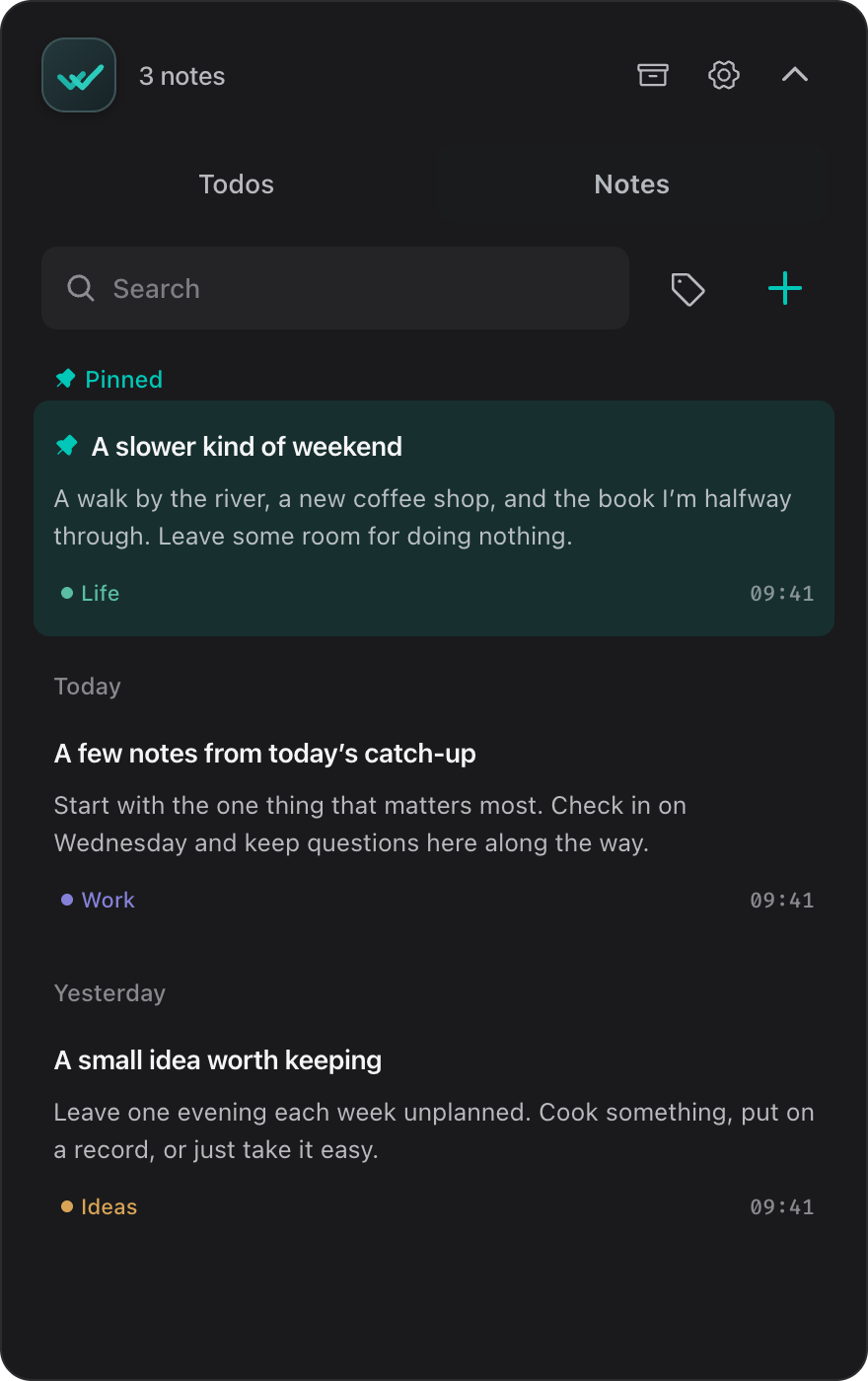
A task for later. A thought worth keeping. Give it a home before it slips away.
Todos & notes, side by sideA little space in your Mac menu bar
Your todos and notes, just a click away.Catch a thought. Check off a task. Get back to your day.
macOS 10.15+ · Apple silicon & Intel
Download v0.3.4 · Previewing v0.4.0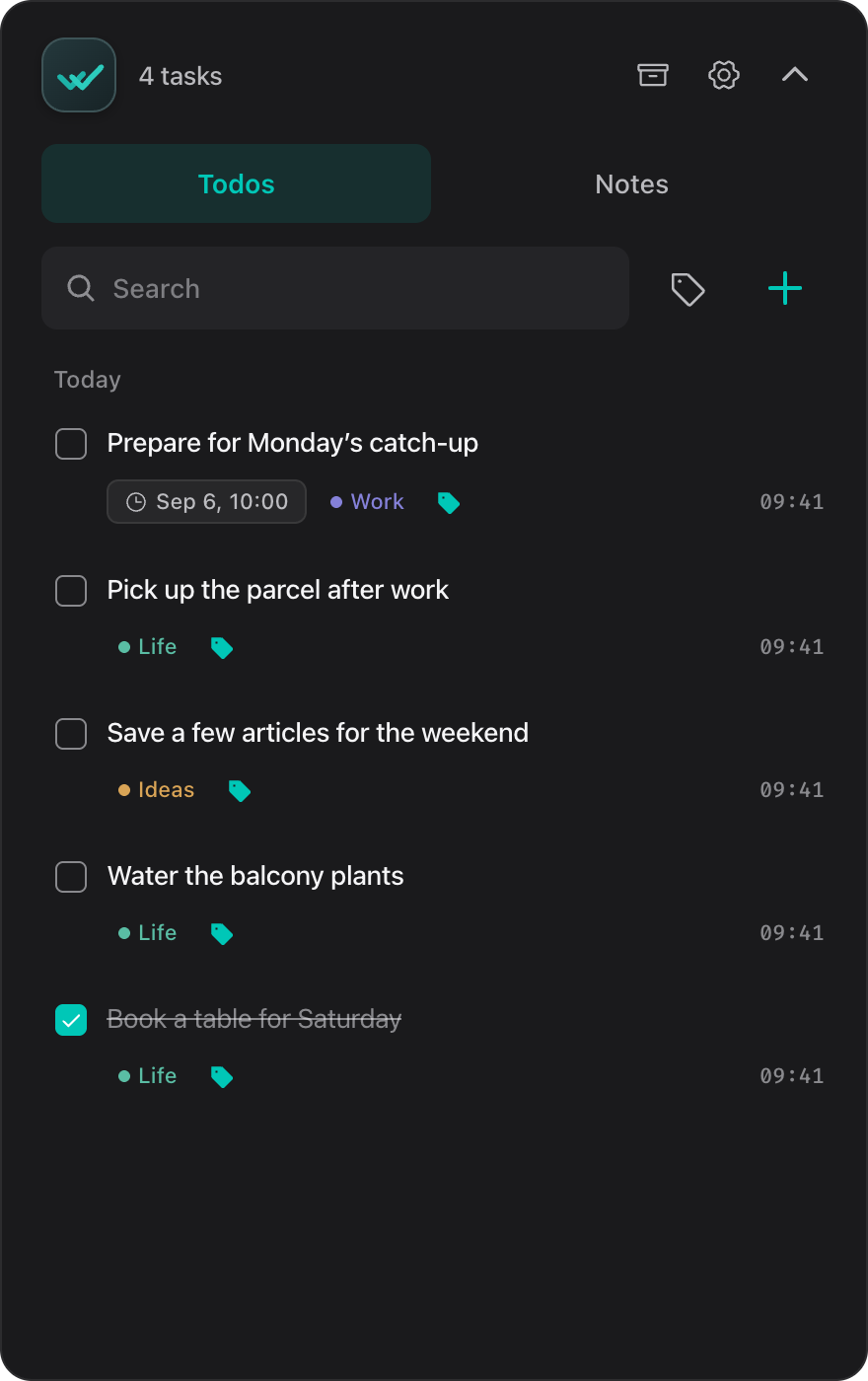
Room for your everyday
A task for later. A thought worth keeping. Give it a home before it slips away.
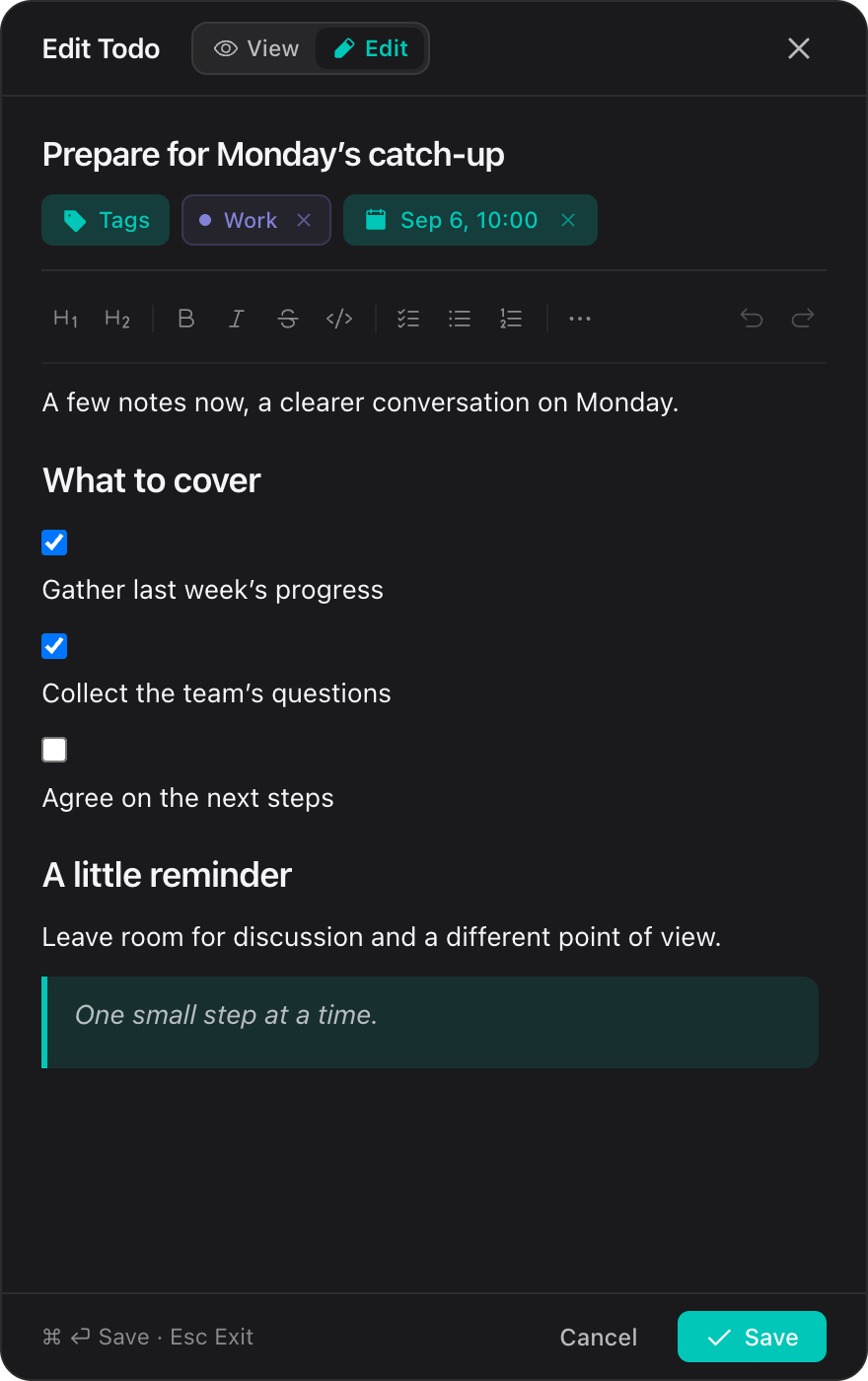
Todos & notes, side by sideTurn a quick note into a checklist, a meeting plan, or a few lines of Markdown.
Checklists · Headings · Markdown copyAdd a due date, find things with shared tags, and check them off when you’re done.
Due dates · Tags · SearchYours, from the first note
Your todos and notes live in a local folder. No sign-up, no cloud workspace. Back up the files whenever you like.
~/.floaticktodos.jsonJSONnotes.jsonJSONtags.jsonJSONsettings.jsonJSONBefore you start
The download is v0.3.4, the current release with a floating desktop icon. This page previews the menu bar app and new editor in v0.4.0, which is still in development.
The current release supports macOS 10.15 and later, on both Apple silicon and Intel. The same download works for both.
Floatick does not sync between devices. Your todos, notes, tags, and settings are saved in ~/.floatick. Copy that folder to keep a backup.
In v0.3.4, you can set a deadline and receive an in-app reminder. The v0.4 preview shows due dates and overdue status in the list; reminder delivery is not available in this preview yet.

A small home for the things on your mind.
Download Floatick